Save This Course For Later | Artos Academy
Save this class blog post

Save This Course For Later

You asked for it!

And we know how it is. You want to take so many courses. 

If you sign up for all of them, they clutter your homepage. 
If you don’t, you may forget the title or where you found it.

You wanted a “save this class” option.

So ?—in case you haven’t noticed—you have it now! 

How does it work?

  1. Open the course you want to take and click on the green “Save Course for later” button.

2. To access your saved courses, you can either
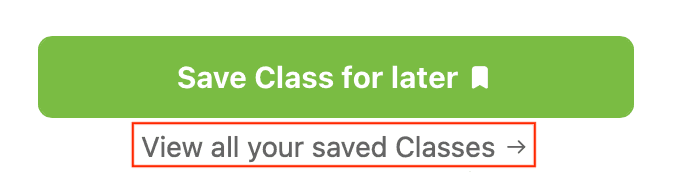
a. Click the link directly under the button

Or

b. Click on your name in the right corner of your page.

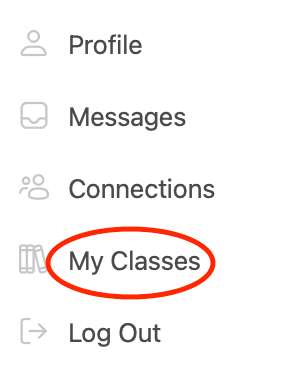
i. Choose My Classes from the dropdown menu.
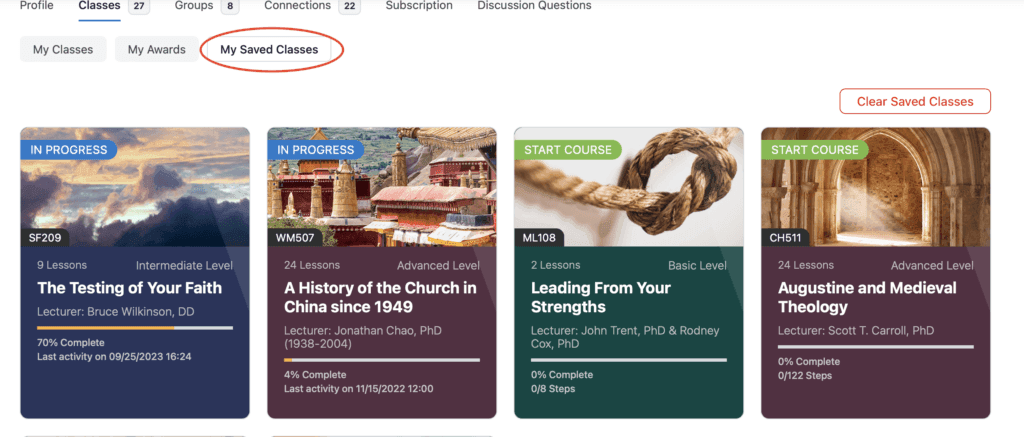
ii. The page will open up on the My Classes tab. Click the “My Saved Classes” tab to view your saved listing.  
Do you find this feature helpful? What is missing from Artos.org that would help you to study better? Please let us know in the comments below. 

Categories: InformativeTags: profile save class

Recent Posts

Changes to Free Artos Academy Accounts 

As we prepare to launch a new Artos learning platform on October 6, 2026, there is an important change that specifically affects free Artos Academy accounts.  …

Deepen Your Walk Through Scripture

You’ve read the Bible. You know the stories. But have you ever wondered how it all fits together—or how God’s Word might speak more deeply into…

New Year, New Journey

Are you looking for a program that will deepen your faith and equip you to minister to others? Artos Academy’s Foundations for Biblical Ministry certificate…

Reaching the World for Christ

Artos Academy is enriching and equipping Christians all around the world through our online courses and programs. Here’s a snapshot of our impact in 2025:…

Free Courses Are Now Unrestricted!

We’re delighted to announce that all learning activities in our free courses are now fully accessible for free users! This means free users can view…